1. After logging in as a user with the “User Administrator” role assigned, click on “Users -> User Accounts,” as shown below.

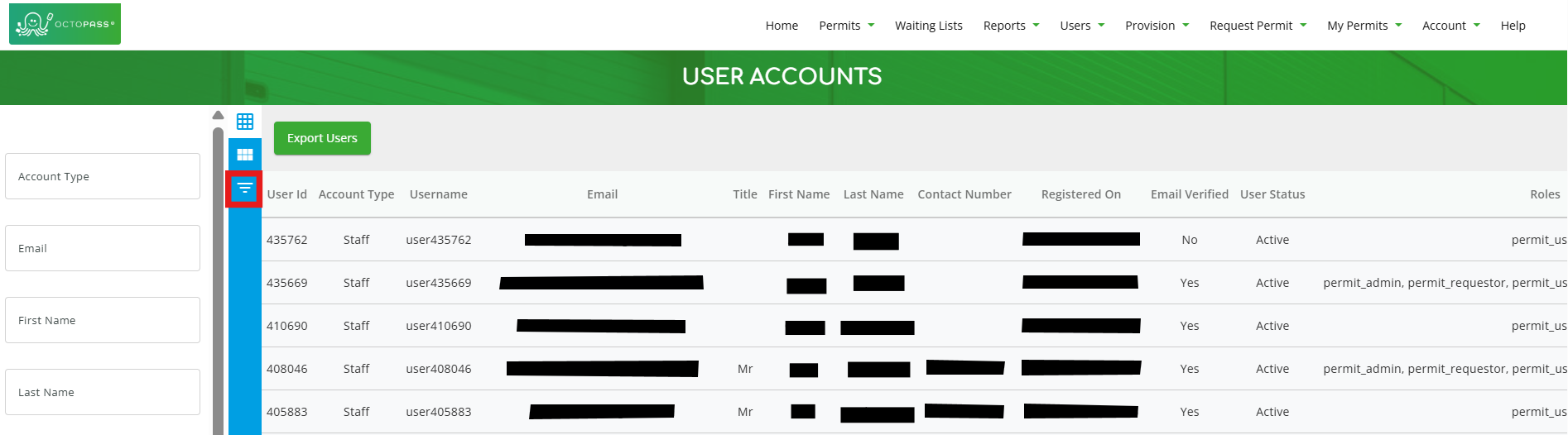
2. If you need to, you can filter for specific users by clicking the icon highlighted in red below. (Note: You can click the icon again to close the filter section).
3. Once you’re done using any of the fields in the filter section, click the “Filter” button at the bottom of the page to apply the filters.
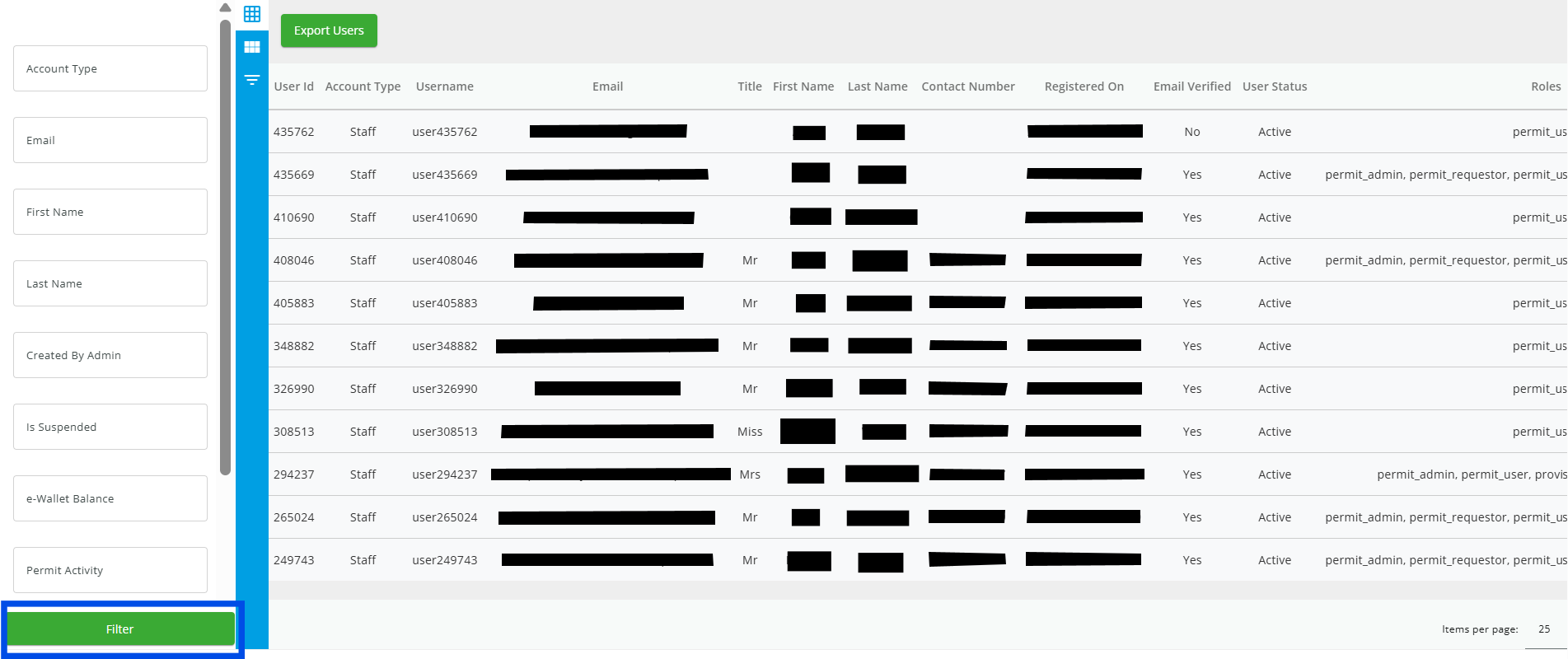
4. Select the user you want to manually verify. (NOTE: The “Email Verified” column will show “No” if the user hasn’t been verified, as shown below.)

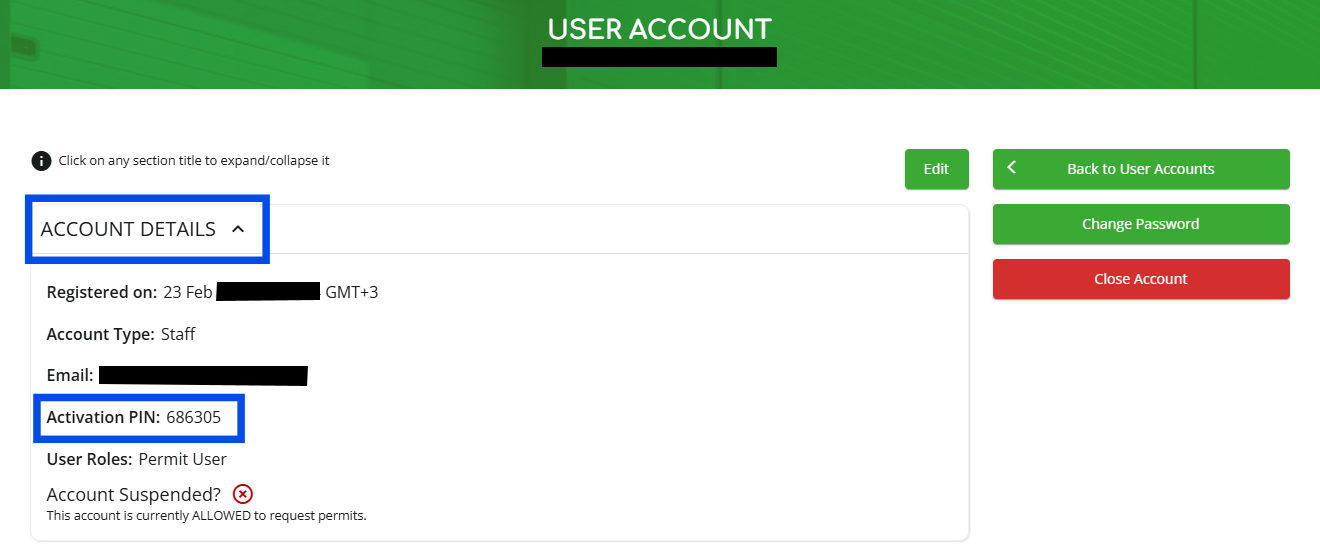
5. Send the user the “Activation PIN” found under “ACCOUNT DETAILS”. They must then use it to manually verify their account.