Periods without an application window
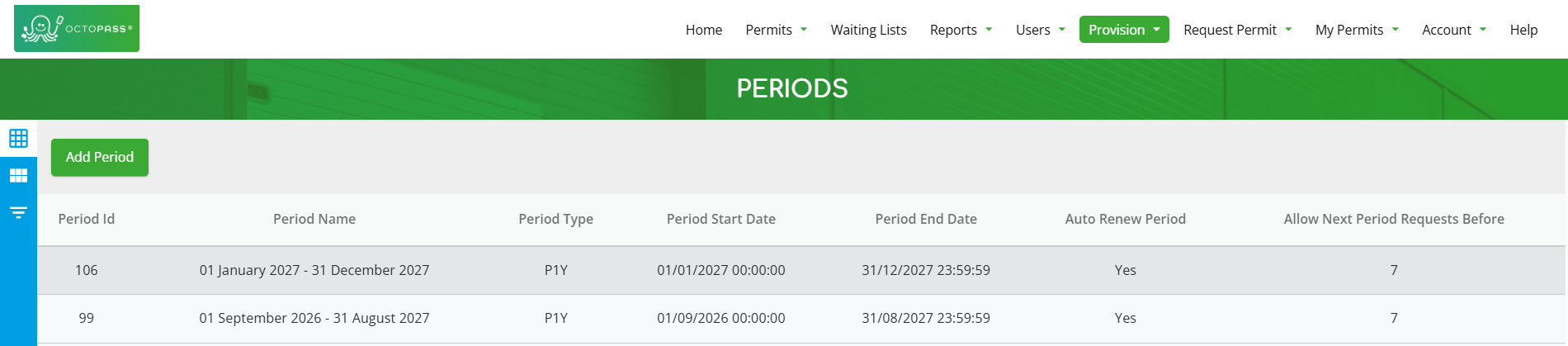
1. Click the ‘Periods’ button.

2. Click the 'Add Period' button.
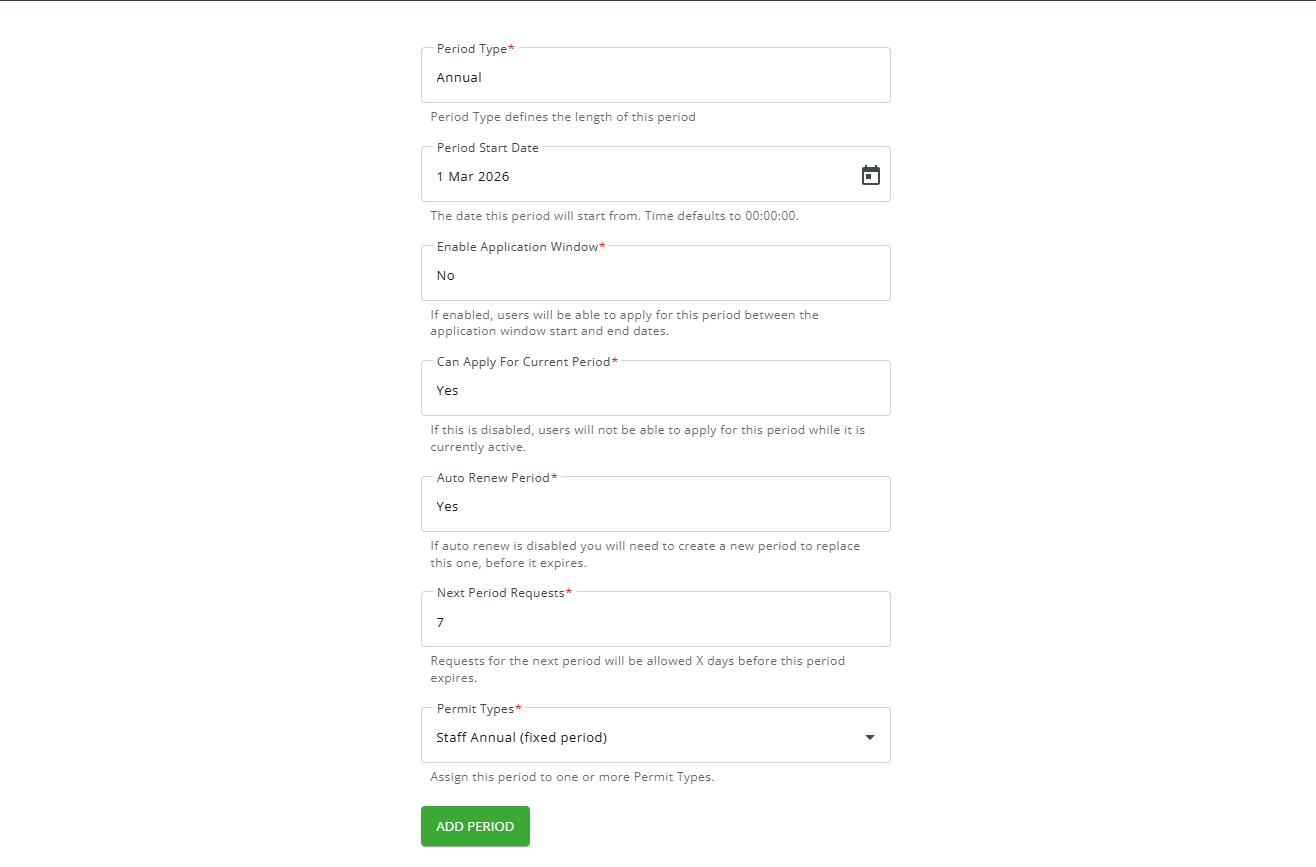
3. Fill in all the details and click “ADD PERIOD.” Under “Enable Application Window,” select “No.”
Periods with an application window
1. Follow Steps 1 and 2 in “Periods without an Application Window.”
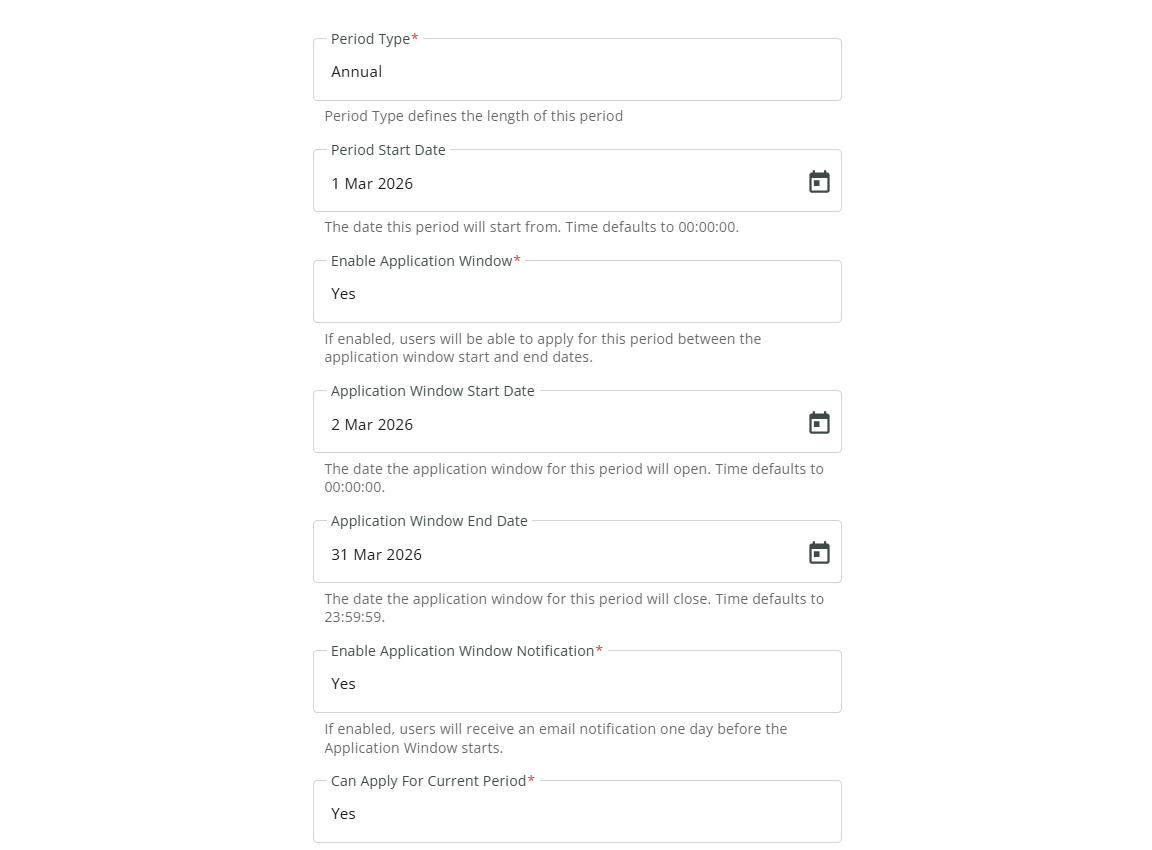
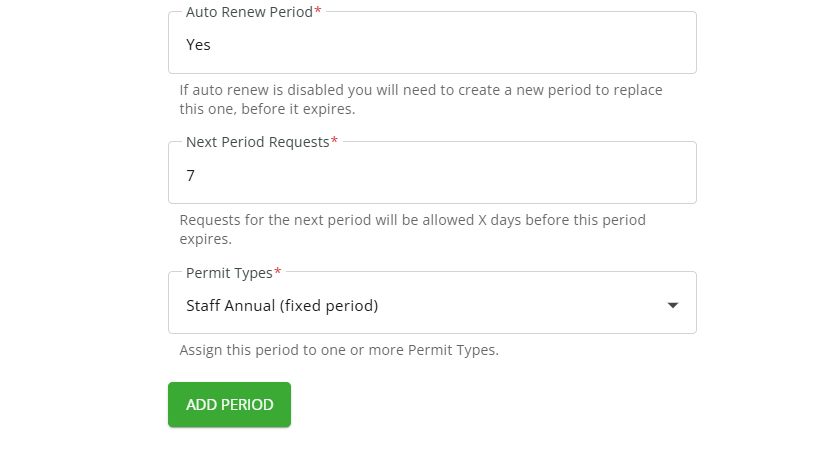
2. Fill in all the details and click “ADD PERIOD.” Under “Enable Application Window,” select “Yes.”